Creating an NCL Output in Creo
This document explains how to create an NCL file in Creo and convert it into an NC program by transferring it to MANUSpost (post-processing).
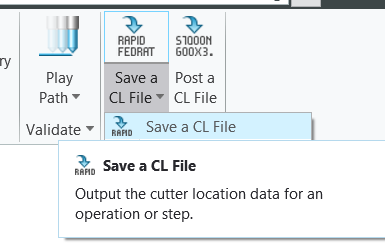
1- In the Manufacturing module, click the Save a CL File option located in the Output tab.
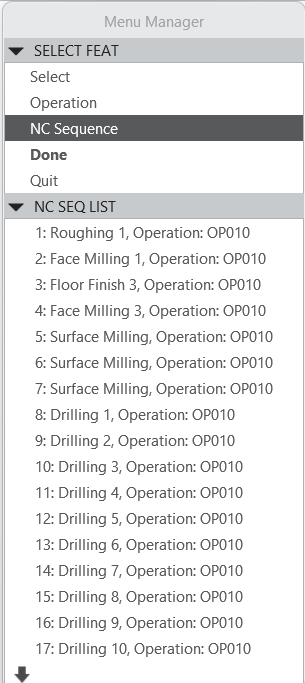
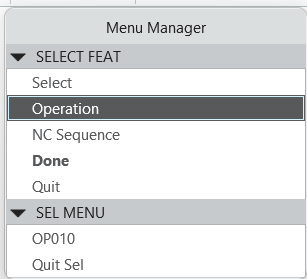
2- In the Menu Manager window that opens, there are two alternatives under Select Feat. By selecting the desired operations using NC Sequence, an NCL output can be generated. Alternatively, by using the Operation option, an NCL output can be generated for all operations under the Main Program.
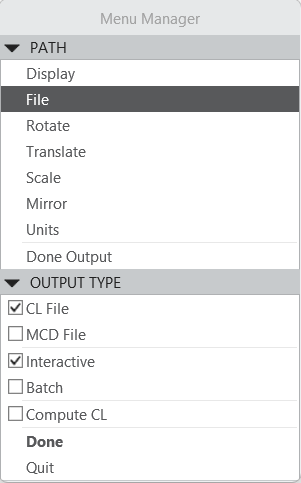
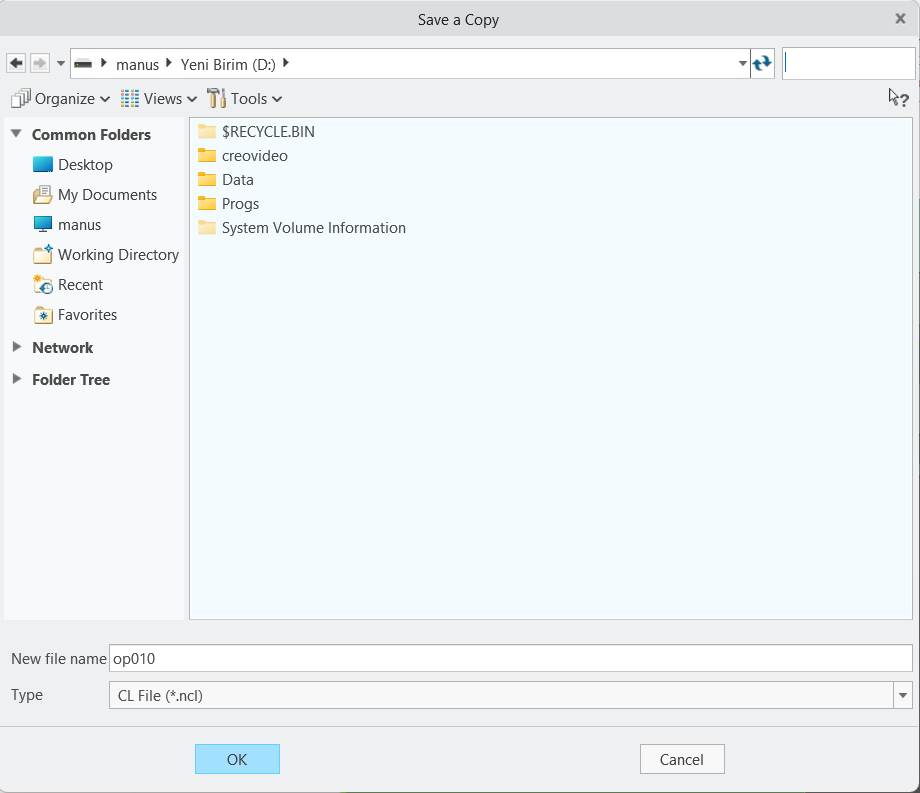
3- Then, using the File option, select CL File as the output type. Click Done, choose the directory where the NCL file will be created, assign a file name, and save it. The generated .ncl file is added to the MANUSpost interface, and the post-processing operation is performed.